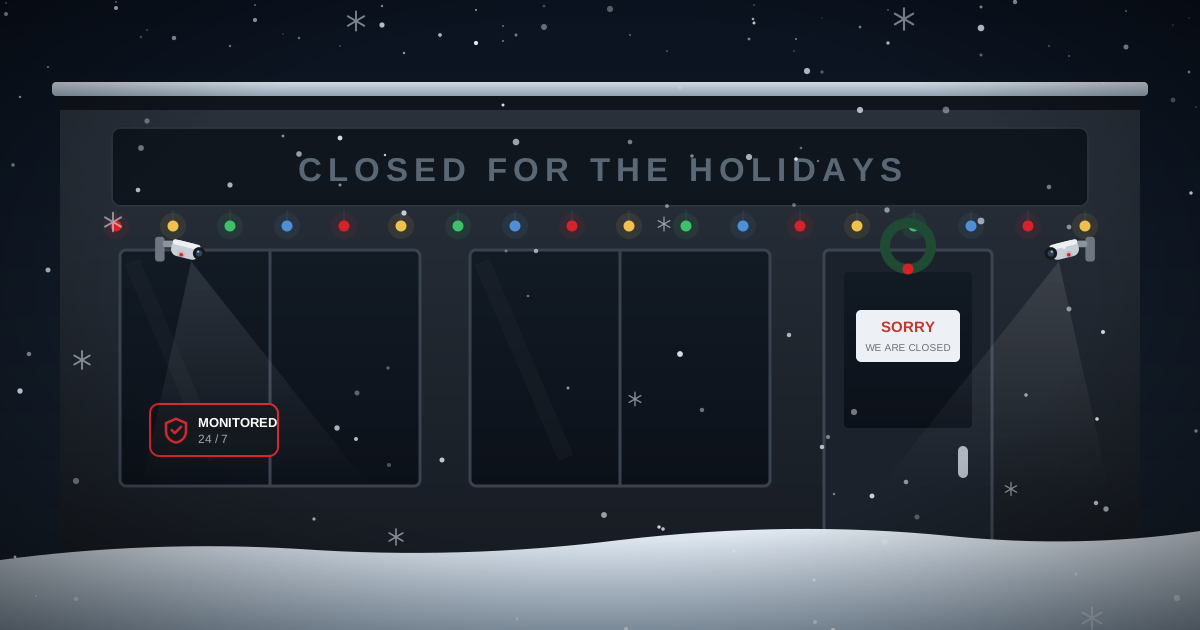
For most Ontario businesses, the stretch between the last working day in December and the first one in January is the longest the building will sit empty all year. No staff, no deliveries, no lights, nobody noticing that a door did not latch. It is also the period when the surrounding area is quietest, which means fewer people around to notice anything unusual.
This is a practical shutdown checklist. It assumes you are not going to buy anything new, just use properly what you already have.
Two weeks out: deal with access
Access control is where most commercial exposure quietly accumulates, because nobody audits it until something happens.
- Pull a list of every active code, fob and key. Go through it name by name. Anyone who left in the last year should not still have working access, and on most sites we review, several do.
- Cancel credentials for former staff, finished contractors and the cleaner you stopped using in March. On an access control system this takes seconds. If you are still on physical keys, at minimum know who holds them and get them back.
- Decide who genuinely needs access over the shutdown and restrict everyone else for the period. Most systems let you apply a holiday schedule so only two or three credentials work.
- Check your alarm user codes too. Shared codes are common and they are a problem, because when an alarm is disarmed at 2am you want to know by whom.
The week before: test everything
- Walk test the alarm. Every door contact, every motion detector, every glass break. Tell your monitoring station first so it is logged as a test. Sensors fail silently and the one that quit in August will not announce itself.
- Check what the cameras actually see at night with the interior lights off, which is how the building will look for two weeks. Daytime footage proves nothing about December 28th at 1am.
- Confirm your recording retention. If the recorder keeps seven days and you are closed for fourteen, an incident on day two is gone before anyone walks back in. Check the drive health while you are in there, and extend retention for the period if you can.
- Update the monitoring call list. Who is reachable between Christmas and New Year, in what order, and on which number? Add a second and third name, because the first will be somewhere with no signal. Make sure each of them knows the verbal passcode.
- Tell your monitoring station your holiday schedule. If the building is normally disarmed at 7am on weekdays, an operator who knows you are closed until January 5th treats a 7am signal very differently.
The last day: locking up properly
- Empty the till and leave it open. An empty, visibly open cash drawer prevents the damage someone does getting into a closed one. The same applies to a safe if it is empty: leave the door ajar.
- Bank the cash and do not leave a float over the shutdown.
- Move stock and equipment out of window view. Laptops, tools, electronics and anything small and valuable should not be visible from the street for two weeks.
- Leave some interior lighting on, ideally on a timer rather than constant. A completely dark building for fourteen days is conspicuous, and lighting helps your cameras.
- Secure the outside too. Yard gates, compounds, trailers, skip bins that could be used to climb, ladders left against a wall, and anything on a pallet outside. Yards are where most commercial theft actually happens.
- Check every door physically latches, not just that it closed. Overhead doors, fire exits and side doors are the usual culprits.
- Set the system to stay armed for the whole period rather than running the normal weekday schedule, so any disarm at all is an exception worth a call.
Do not forget the building itself
In an Ontario December the cheaper claim is usually theft. The expensive one is water.
- Do not drop the heat too far. Setting back is sensible; setting a building to 5 degrees to save two weeks of gas is how sprinkler lines and plumbing in exterior walls freeze. If you have a wet sprinkler system, talk to whoever services it before changing anything.
- Add monitored freeze and water sensors at the vulnerable points: the sprinkler room, water heater, washrooms on exterior walls and any low point that floods first.
- Know who has the water shutoff and that they can get in.
- Arrange snow clearing for the parking lot and entrances. A lot that goes uncleared for two weeks advertises the vacancy, and it also stops emergency services and your own keyholder getting in.
During the shutdown
Have a named person physically attend the building at least once or twice over the period, ideally at an irregular time rather than the same hour each visit. They should walk the perimeter, check doors and the yard, look for anything out of place, and confirm the heating is still running.
If you have remote camera access, use it, but remember that looking at a camera is not the same as someone being able to respond. That is what monitoring is for.
Coming back in January
- Agree a first in procedure before you close. If the first person to arrive finds a door open or a sign of entry, they should not go in alone; they should step back and call police.
- Review the alarm event log and camera footage for the period before you overwrite it.
- Reinstate normal access schedules and re-enable the credentials you suspended.
- Note anything that failed during the shutdown while it is fresh, and get it fixed before next year.
If any of this uncovered a gap
The two things we are most often asked to fix in January are recording retention that was too short to be useful, and access credentials that were never cancelled. Both are cheap to sort out and both are maddening after the fact.
If your current system came from another provider, our takeover service covers assessment and monitoring without replacing equipment that still works, and our guide to when commercial CCTV needs upgrading covers the warning signs worth acting on.
Common questions
How should a business secure its premises over the holiday shutdown?
Audit and cancel unused access credentials, walk test the alarm, confirm camera recording retention covers the entire closure, update the monitoring call list with people who are actually reachable, empty and leave the till open, move valuables out of window view, secure the yard as well as the building, and keep the system armed continuously rather than on the normal weekday schedule.
How long should CCTV keep recordings over a holiday closure?
Longer than the closure itself. If the recorder only holds seven days and the business is shut for two weeks, footage of an incident early in the break will be overwritten before anyone returns. Thirty days is a common baseline, and retention is worth checking and extending before you close.
Should I turn the heat off in my business over the holidays?
Set it back rather than off. Dropping a commercial building to near freezing to save two weeks of heating risks frozen plumbing and, where fitted, frozen wet sprinkler lines, which is far more expensive than the gas saved. If the building has a sprinkler system, speak to your service provider before changing the setpoint.
Should I tell my alarm monitoring company that we are closed?
Yes. If the station knows your building is closed until a specific date, any activity at all becomes an exception rather than something that looks like normal opening. It also helps them prioritise and reach the right person on your call list.
Quotes and site visits are always free, and always pressure-free.
Get a free quote